How to Create Gratitude Journal Videos in CapCut?
Looking for a heartfelt way to reflect and share your appreciation online? Let’s talk about how to create gratitude journal videos in CapCut — the go-to method for turning simple thankfulness into engaging, visual content. These videos aren’t just trendy — they’re feel-good medicine for the soul, both yours and your viewers’. Whether sharing daily gratitude, listing what made you smile, or adding soft visuals to peaceful thoughts, CapCut makes it easy to bring it all to life.
With the CapCut APK download without watermark, you can export high-quality videos without annoying branding. Share your creations without unwanted logos or marks.
Getting Started with the Right Tools
Before you start editing, make sure you have the basics:
- Your personal gratitude list or affirmations
- Peaceful video clips (sunset, pets, nature walks)
- Calm, instrumental background music
- The CapCut app is installed and ready to go
Tip: Keep everything organized in a folder — visuals, sounds, and text files — so you’re not fumbling while editing.
Opening CapCut and Starting a New Project
Once you open CapCut:
Choose the Right Video Format
- 1080×1920 for vertical videos (perfect for TikTok & Reels)
- 16:9 landscape for YouTube content
Import Everything
- Add all the clips and text entries
- Drop in your background track
- Make sure everything is in the right sequence before you begin editing
Visual Theme and Color Style
The overall feel should be calm, cozy, and inviting.
Pick Gentle Colors
Use soft pastels or muted warm tones, think beige, blush pink, baby blue.
Filters That Feel Soft
Try CapCut filters like “Warm,” “Film,” or “Soft Fade” to enhance the vibe.
Designing Your Gratitude Entries
Here’s where your messages shine.
Add Text Overlays
Use the text tool to place one gratitude message per scene:
- “I’m thankful for my morning coffee.”
- “Grateful for my dog’s goofy smile”.
Timing
Give each message 4–6 seconds on screen, depending on length. Don’t rush — you want the words to settle in.
Use Subtle Emojis
Sprinkle in just enough to express emotion without cluttering the screen.
Adding Background Music
Music sets the mood — pick tracks that feel like a warm hug.
Best Kinds of Music
- Acoustic guitar
- Soft piano
- Lo-fi chill beats
Audio Settings
Turn down the volume just enough to hear your voice (if you use voiceover) or let the music breathe.
Transitions That Flow Smoothly
Gratitude content deserves slow, buttery transitions.
Use Subtle Effects
- Fade In
- Cross Dissolve
- Slide Left/Right with low speed
Avoid high-energy zooms or spins. That throws off the peaceful flow.
Voiceover Option for Personal Touch
Want to go the extra mile?
Record Your Voice
Use CapCut’s voice recording tool to read your gratitude prompts aloud. Speak slowly and softly.
Adjust Volumes
Make sure the music doesn’t overpower your words. Test it by playing back with headphones.
Creative Tips for Gratitude Journaling Videos
Want to add some flair?
Mix in Nature Clips
A short waterfall clip or leaves in the wind make a beautiful background.
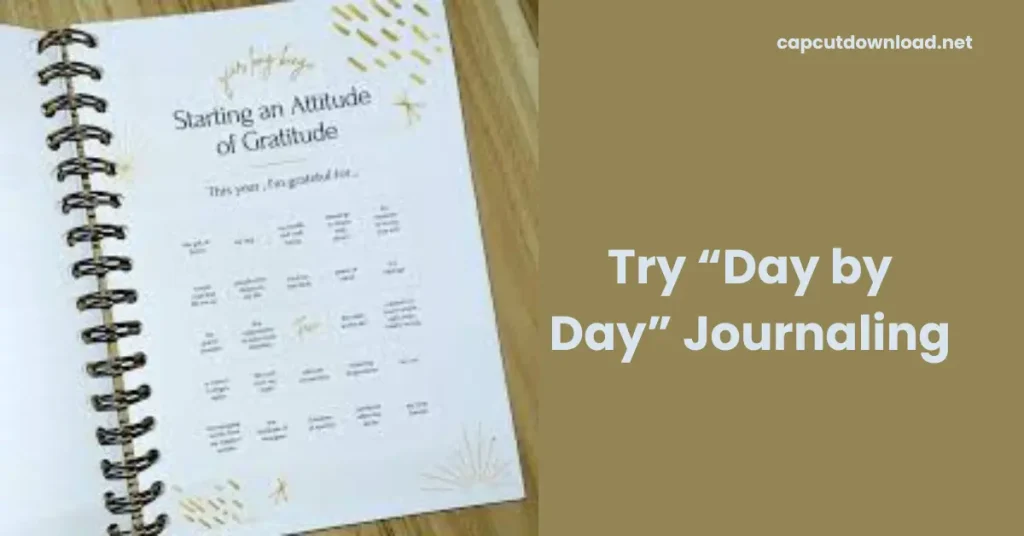
Try “Day by Day” Journaling
Add a quick date in the corner and do a series:
- “Day 1: Gratitude for fresh air”.
- “Day 2: Grateful for my favorite song”.
This creates a mini-series your followers will look forward to.
Exporting and Sharing on Social Media
Once your masterpiece is ready:
Export Settings
- Format: MP4
- Resolution: 1080p
- Frame Rate: 30fps
Captions and Hashtags
Keep your caption aligned with the video:
“Today I’m sharing what made me smile. What about you?
#GratitudeJournal #DailyThankfulness #CapCutCreator”
Mistakes to Avoid in Gratitude Video Creation
A few things can ruin the feel:
Too Much On-Screen Text
Stick to short phrases. Long blocks of text are overwhelming.
Distracting Music
Skip any track that has fast drums, vocals, or heavy beats.
Examples of Gratitude Prompts to Include
Not sure what to say? Here are some go-to lines:
- “Grateful for my morning walk.”
- “Today I smiled because of a friend’s call.”
- “Appreciating the quiet moments.”
- “My heart feels full thinking about my family.”
- “One little joy: my favorite candle burning at night.”
Encouraging Viewers to Practice Gratitude
Before ending your video, try adding a final screen:
“What are you thankful for today?”
Or
“Pause. Reflect. Be thankful.”
This leaves your viewers with a warm thought and might even spark them to comment.
Final Thoughts
How to create gratitude journal videos in CapCut? It’s less about fancy effects and more about the heart. Your video doesn’t need to be perfect — it just needs to feel real. CapCut helps you bring your moments of appreciation into a gentle, creative, and worth-sharing. So take your thankful thoughts, turn them into art, and inspire someone’s scroll today.
How to Create Gratitude Journal Videos in CapCut? FAQs
Q1: Can I make these videos even if I don’t show my face?
You can use nature clips, text overlays, and voiceovers without ever appearing on screen.
Q2: How long should a gratitude journal video be?
Anywhere from 30 seconds to 2 minutes works well. Keep it short, sweet, and soothing.
Q3: Where can I find background music for free?
Try Pixabay, YouTube Audio Library, or CapCut’s in-app sound effects and music section.
Q4: What kind of clips work best for these videos?
Sunrises, candles, peaceful parks, journaling hands, or anything calm and cozy.
Q5: Can I turn this into a daily content series?
“30 Days of Gratitude” is a great idea for consistent content that connects deeply with viewers.